Mission
Plan together. Design the Control Room.
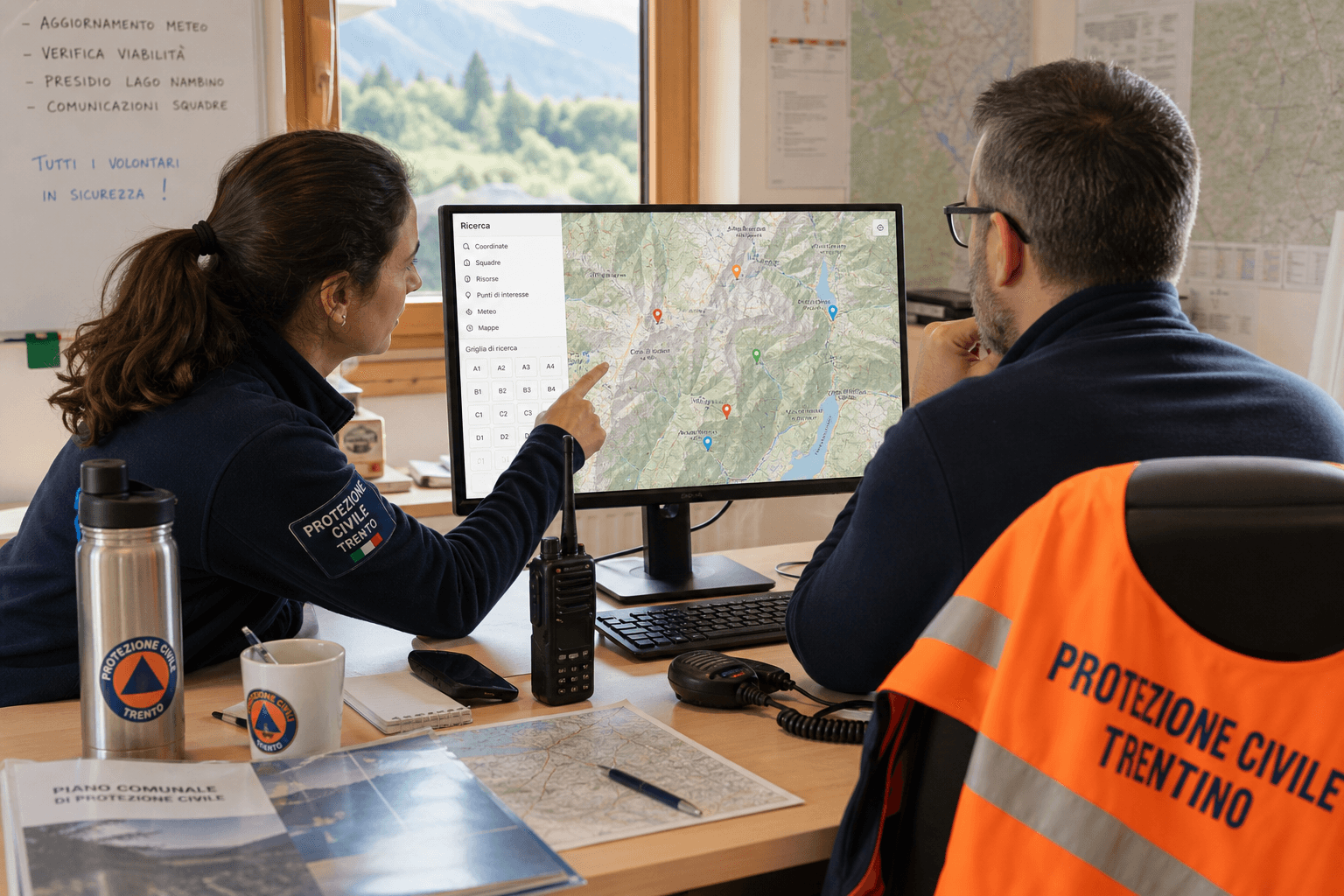
Mission is the Control Room desk: compose a modular ops wall, connect sensors and feeds, and keep Field and routes as modules when the job needs them.
Plan the route
Draw air or ground paths, set camera actions and landing plans, then export to the systems your fleet already uses.
Compose the desk
Design multi-screen Control Rooms with modules (map, video, sensors, alerts, timeline), then open them when the job starts.
Share one picture
Sketches, notes and live Intel stay on the same map your Field crews see on phone or tablet.
Control Room Composer
Build the wall your operators need.
Drag modules onto one or more screens: live map with Intel sensors, video and Field streams, timeline, alerts and embeds. Save the layout, then open Control Room when the mission runs.
- Modular tiles: map, video, sensors, alerts, timeline, iframe
- Multi-screen layouts with roles (e.g. only one screen for fullscreen alerts)
- Same modules as Field reports and live Intel on the mission map
Live Control Room
Eyes on the job, not buried in menus.
When the layout is ready, operators open the Control Room wall: video mosaic, map with sensor context, and clear alerts, acknowledged once and kept in sync with Field.
- Multi-feed wall from mission cameras and Field live
- Event popovers with time and plain warning text
- Works alongside Field reports and live sketches
Under the hood
Mission connects live air and vessel tracks, site sensors, and common vehicle links into the modules you place on the Control Room. The goal stays the same: one picture for the people running the job.
See ALTARIS with your crew
Request a guided demo of Mission, Field and the shared map, cloud or on your own servers.